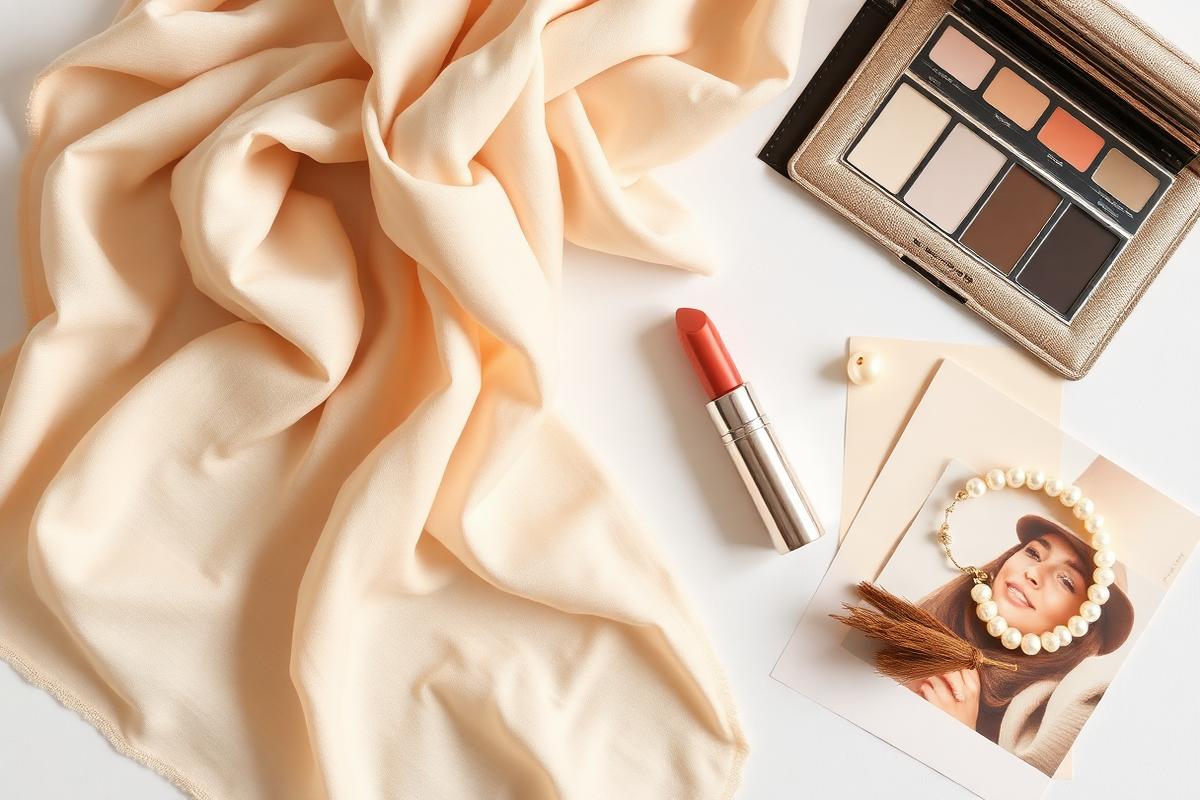
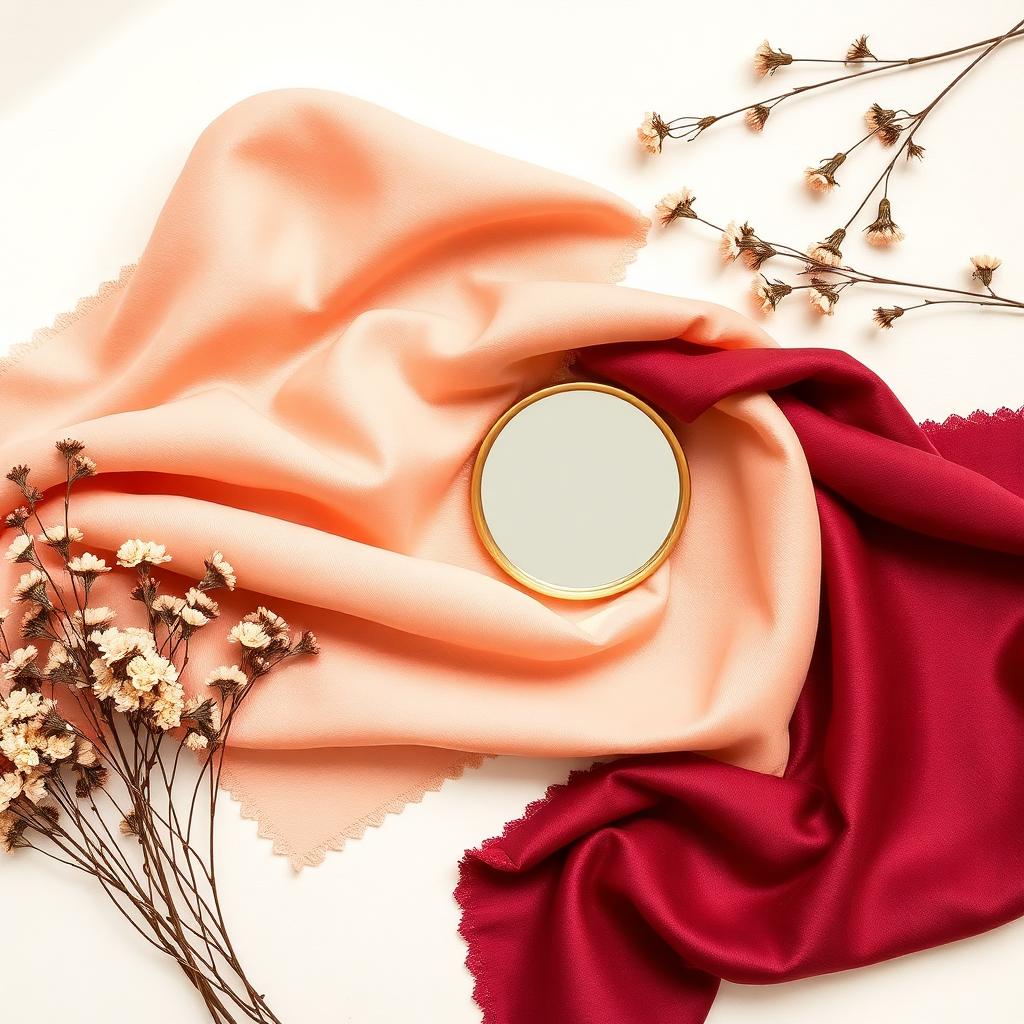
AI personal style report
Identifies color season, palette, avoid colors, hairstyle, makeup, and outfit direction.
Upload one photo to create personal color, makeup, hairstyle, outfit, and aura reports. Belle Lab turns style advice into a clear visual guide you can save and revisit.
Identifies color season, palette, avoid colors, hairstyle, makeup, and outfit direction.
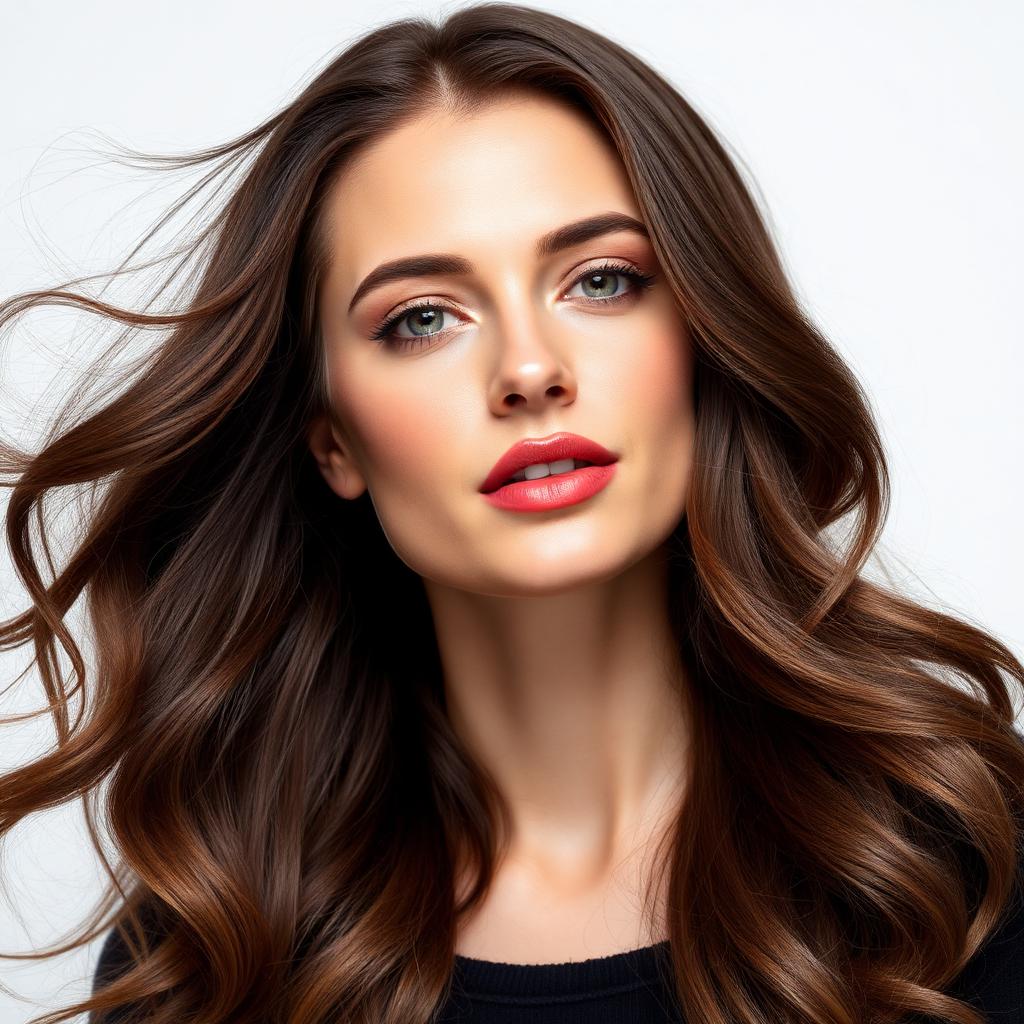
Compares suitable, neutral, and not recommended styles based on face shape, proportions, and aura.
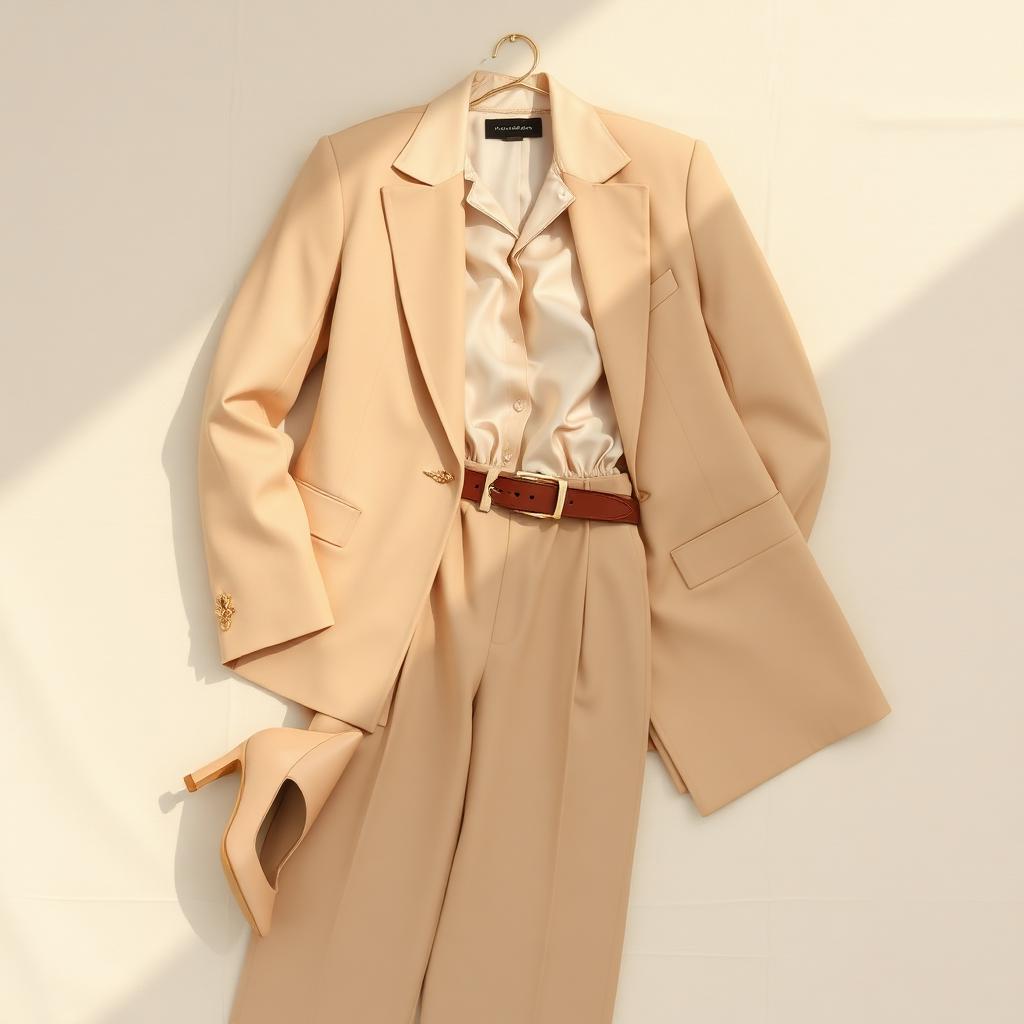
Offers actionable guidance on neckline, shoulder line, waistline, length, and fabric.
The app already includes test entry points, photo upload, AI generation progress, report history, subscription entry, and language switching. This website explains product value and data handling in a way that is easy for reviewers and users to understand.
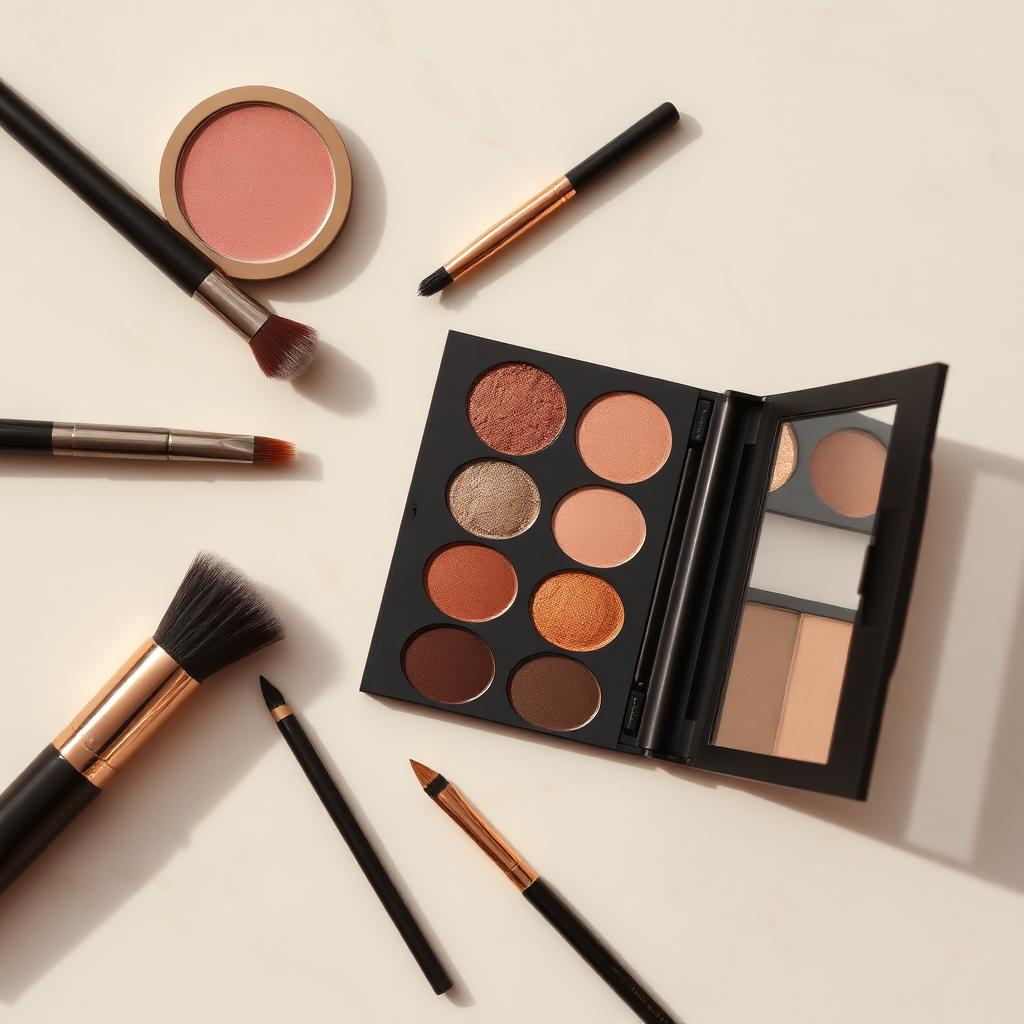
Creates visual makeup comparisons and practical notes from eye shape, brow-eye relationship, and overall style.
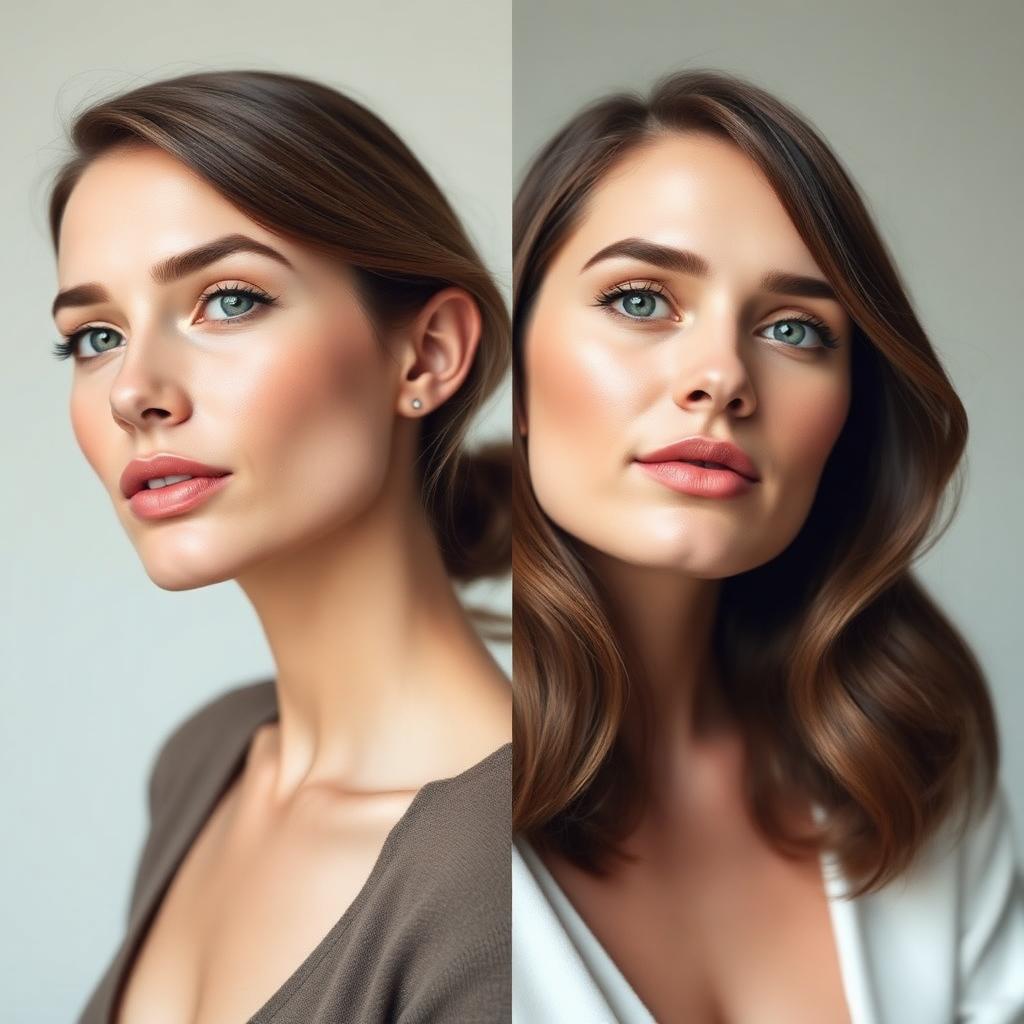
Summarizes first impression, style keywords, hairstyle direction, and color extensions from an aesthetic perspective.
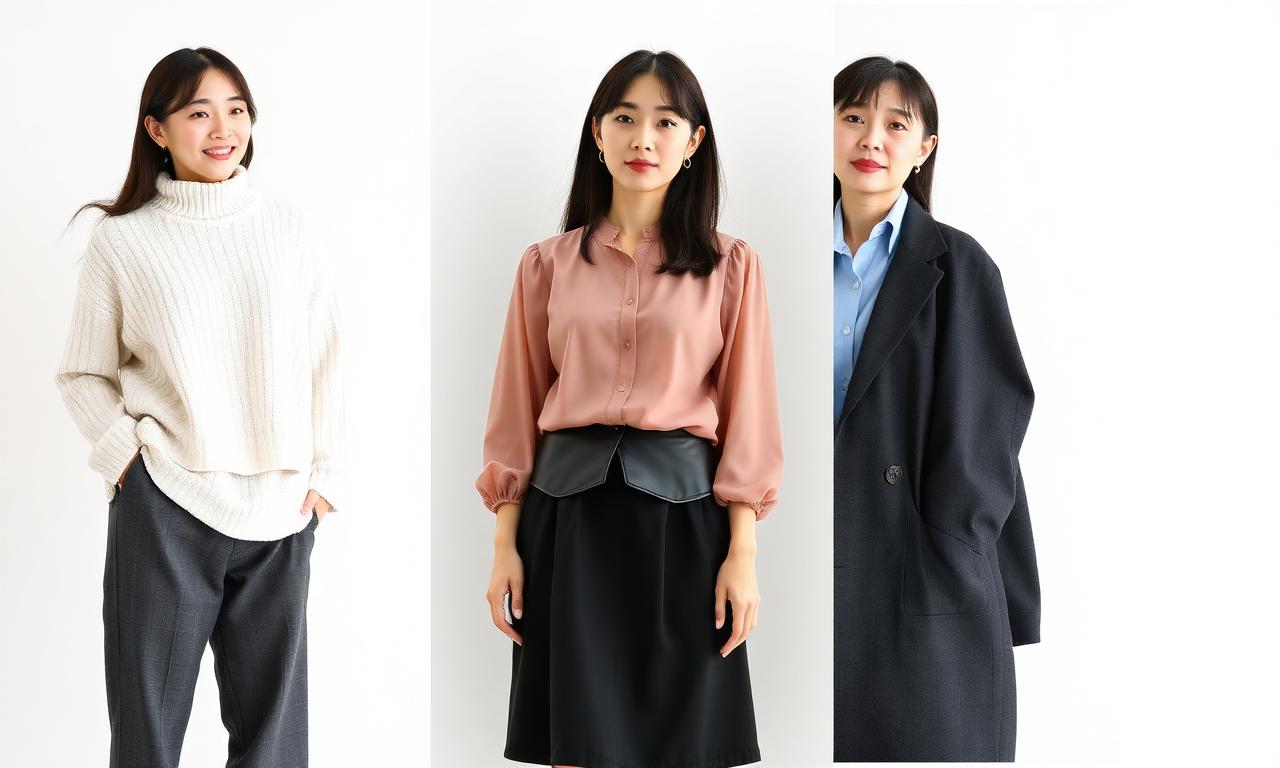
Gives neckline, waistline, shoulder, fabric, and scenario styling advice based on body proportions and visual balance.
The app lets users choose an image from camera or album, compresses it, and sends it to the cloud to generate the requested report.
The current code has no account registration flow. A locally generated device id is used to associate credits, processing tasks, and report history.
The external Privacy Policy can be used as the App Store Connect Privacy Policy URL and as the in-app privacy destination.
Reviewers and users should quickly understand where the photo comes from, why it is uploaded, who processes it, and how the result is returned.
The user chooses a photo from camera or album. The client compresses it as a JPEG for this analysis.
The app creates a report record, uses the device identifier for credits, and tracks processing status.
The server sends the image to an AI image-generation service and receives a vertical visual report.
The user can view, download, or share the generated report from report history.
This website is organized around common App Store Connect checks: privacy policy, data types, purposes, support, AI boundaries, and deletion requests.
Use https://paw-pair.com/privacy as the App Store Connect Privacy Policy URL.
Photo, report, device identifier, and language-preference uses are described clearly.
Header and footer include support contact links for deletion and privacy requests.
The site states that Belle Lab is a style guidance tool, not a medical, identity, or high-risk decision service.